How to Learn Web Design: Resources, Practice, and Timelines
A practical roadmap for learning web design at home, building a portfolio, and knowing your timeline.
Web design learning starts here: yes, you can learn
If you are asking “how can i learn web design,” the fastest path is simple. Learn HTML and CSS fundamentals. Add a bit of JavaScript. Then build real pages on a schedule and publish them in a portfolio.
Most beginners fail for two reasons. They read too much and ship too little. They also chase random tools instead of building one skill at a time. This guide helps you avoid both by using a tight learning loop: learn a concept, practice it on a small project, then improve the result.
To answer “how do i learn web design” in a practical way, treat your learning like a series of short sprints. Each sprint should produce something visible: a styled page, a responsive layout, or a mini site. You will move quicker once you measure progress by output, not by video watched.
If you wonder, “can i learn web design on my own,” the answer is yes. You will need structure, feedback, and consistent practice. With the right resources, solo learners can reach job-ready fundamentals.
Pick a learning path that matches your goals
Before you start courses, decide what you want to build. Do you want to design marketing pages, create full websites, or customize templates for clients? Your answer changes the platform you should use and the order you should learn skills.
Here are three common paths. Choose one for at least four weeks before switching.
- Web page design path: Focus on HTML and CSS, then add layout, typography, and responsive Design principles.
- Website building path: Learn a platform like WordPress and practice publishing with themes, blocks, and settings.
- Front-end development path: Learn HTML, CSS, and JavaScript, then build interactive UI features.
Next, pick a platform that matches your goals. WordPress and website builders can help if you want faster publishing and content workflows. If you want deeper control, learning HTML, CSS, and JavaScript directly gives you long-term flexibility.
Also decide how you will learn “how to learn web page design” versus “how to learn web design and development.” Page design emphasizes layout and visual hierarchy. Development adds behavior and state with JavaScript. You can mix both, but the sequence matters for momentum.
Online resources that help you stay updated
When people search “how to learn web design,” they often want a list of courses. Resources matter, but so does how you use them. Your goal is to find lessons that include exercises and feedback, not just explanations.
Start with one learning track for fundamentals. Then add targeted tutorials for the topics you struggle with. This keeps your learning current while avoiding overload.
Look for three resource types.
- Structured courses: Use them for HTML, CSS, and JavaScript basics. Choose one and finish the first section end-to-end.
- Tutorials with builds: Pick tutorials that end with a working page you can modify.
- Reference docs: Use official documentation when you get stuck, especially for HTML and CSS details.
If you are learning from home, you may ask “how can i learn web design from home for free.” Free options exist. However, you still need practice time. A good free plan is one fundamentals course plus daily exercises, then guided review in community spaces.
For staying updated, follow release notes and best-practice guides for your chosen approach. For example, if you build with WordPress, watch what theme settings and block patterns change over time. If you code in plain HTML and CSS, keep an eye on responsive patterns and Web Accessibility guidance.
Build and practice skills with real projects
Practical experience is where learning becomes real. If you only watch lessons, you will still struggle when you sit down to create a new page. So you need “build time” every week, even if it is only one or two sessions.
A good practice method is the “small project loop.” Pick one goal, build a small version in one sitting, then improve it the next day. For example, start with a landing page hero section and repeat the layout on mobile.
Use these project ideas to cover core skills.
- HTML practice: Build a page with headings, lists, links, and images. Then check that the structure makes sense.
- CSS practice: Recreate a design you like using layout, spacing, and type scale decisions.
- Responsive Design practice: Make the same page look good at a narrow width and a wide width.
- JavaScript practice: Add one interaction, like a menu toggle or form validation message.
As you practice, include basics of User Experience (UX) and Web Accessibility. That does not mean you need to become an accessibility auditor. It means you should use semantic HTML, provide good contrast, and make navigation usable with a keyboard.
If you are using an online learning platform, focus on completing assignments. Platforms like these usually time your progress by modules, not by your real ability. Your own builds are what prove skill.
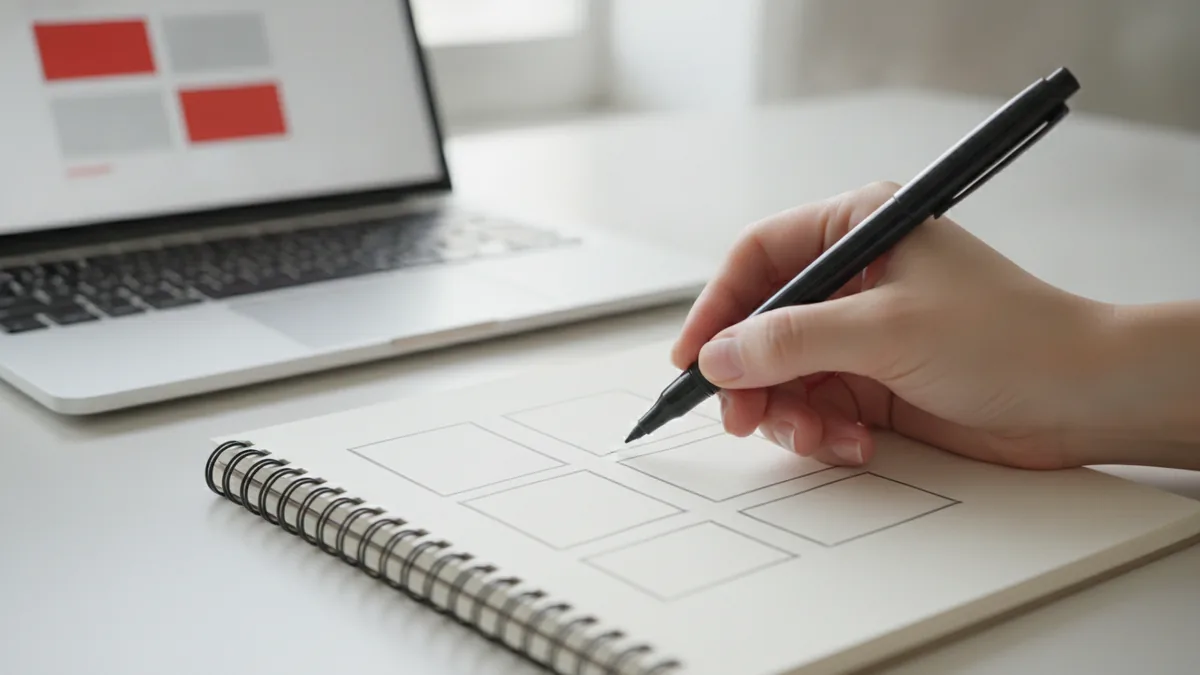
Create a portfolio that shows your real ability
Portfolio Development is the part that turns learning into opportunities. Even if you are not looking for clients today, a portfolio makes your skills tangible. It also helps you talk about your work with clarity.
Start with a simple portfolio site. Then add three or four case-study style projects. Each project should show what you built, why you built it, and what you improved after your first version.
Here is a portfolio structure that works well for beginners.
| Portfolio element | What to include |
|---|---|
| Project overview | One short paragraph on the page or site goal |
| Design notes | Key layout decisions and type choices |
| Responsive proof | Explain how the layout changes on mobile |
| Interaction or behavior | List the JavaScript feature or platform feature used |
| Accessibility checks | Briefly note contrast, focus order, and semantic structure |
If you are wondering “how do you learn web design” for freelancing, your portfolio should speak to a customer outcome. For example, a client cares about clarity, readability, and conversion-oriented layout. You can show those outcomes by explaining your UX decisions.
You do not need a complex client site. You can build sample pages for a fictional business. The point is that you finished them and can iterate on them.
Common self-learning challenges and how to handle them
Self-learning web design has predictable friction. The first challenge is time management. The second is confusion from too many options. The third is the fear of building “imperfect” work.
To fix time management, schedule small sessions and protect them. Web design is skill-building, so you need repetition. A typical approach is 30 to 60 minutes on weekdays and a longer build on weekends.
Use this routine to stay consistent.
- Daily or near-daily practice: Do one focused exercise, like a layout or a small component.
- One weekly build: Ship a full page or a mini section across screen sizes.
- One review session: Look at your page, then rewrite spacing and typography based on issues.
Another common issue is “tutorial trap.” You watch a tutorial, then try to reproduce it from scratch and get stuck. That is normal. When it happens, pause and break the tutorial into smaller parts. Rebuild just one section at a time.
Also, be careful about comparing your progress. Beginner work can look rough, but the underlying structure matters. If your HTML is semantic, your CSS is organized, and your layout is responsive, you are building real skill.
Finally, plan for the learning curve of platforms. If you choose WordPress, the time cost is not only learning design. You also learn themes, blocks, and publishing workflows. That is why people ask “how long to learn wordpress.” Treat it as platform onboarding plus design practice.
Conclusion and next steps with realistic timelines
Now you have a clearer answer to “how to learn web design” and “how long to learn web design.” The timeline depends on your schedule and how much you build. But you can estimate it with a few assumptions.
For part-time learning, a realistic timeline is often 8 to 16 weeks for solid webpage design basics. If you learn HTML and CSS, complete multiple responsive pages, and add one JavaScript interaction, you will have portfolio-ready work. For deeper front-end skills with more JavaScript, plan for 4 to 6 months of consistent practice.
If you are choosing WordPress, you may get to publishable results sooner. A practical timeline for WordPress basics is 3 to 8 weeks for theme or block familiarity and simple customization. If you also want strong layout and performance, extend that by another 4 to 8 weeks.
To move forward immediately, do this next.
- Pick your path: page design, WordPress building, or front-end development.
- Set a weekly build goal and commit to shipping something every week.
- Choose one fundamentals resource and finish the first module set.
- Start a portfolio page today and add one project every 2 to 3 weeks.
One more check: measure progress by output quality, not by how long you studied. After a few weeks, you will see your layouts tighten. Your responsive design decisions will get faster. And your confidence will rise because you have proof in your portfolio.
Frequently asked questions
- How can I learn web design if I have no experience?
- Start with HTML and CSS basics, then build a few responsive pages. Add one small JavaScript interaction when you can style layouts confidently.
- Can I learn web design on my own without a degree?
- Yes. You need a structured resource plus frequent practice. A portfolio of shipped pages proves your skills more than credentials.
- How long does it take to learn web design?
- Many learners reach strong webpage design fundamentals in 8 to 16 weeks part-time. Front-end depth with more JavaScript often takes 4 to 6 months.
- How long to learn WordPress compared to coding?
- WordPress basics often take 3 to 8 weeks if you focus on themes, blocks, and publishing. For strong layout and performance, add more practice time.
- How do I learn web page design faster?
- Use short projects with repetition. Each build should include a responsive check and a small improvement pass the next day.
- How to learn web design for free at home?
- Use one free fundamentals course and pair it with daily exercises. Then review your work and iterate based on issues you see.
Related reading
How to Design Your Website Using WordPress
Plan, build, publish, and maintain a WordPress site with confidence.
How Do I Hide My WordPress Site From Public View?
Lock your whole site or limit access to selected WordPress content.
Why You Can’t Add Plugins in WordPress
Fix plugin errors, install tools, and keep your WordPress site tidy.