Web Design and Development: What They Are and How They Work Together
Web design shapes UX. Web development builds the site. Here’s how they connect.
Web design and development, in plain terms
What is web design and development? Web design focuses on the look and user feel of a website. Web development builds the working site from those design plans. Both are needed to ship a fast, clear, and search-friendly experience.
How to web design and development starts with clear roles and a shared goal. A good design reduces confusion and helps people act. Good development turns that design into a site that loads well, works on many devices, and follows SEO (search engine optimization) basics.
Think of design as the blueprint and development as the build. When they work together, you avoid rework. You also get a smoother path from idea to launch.
Design vs development: what’s the real difference?
Design is about choices that affect how users perceive and use the website. That includes layout, spacing, color scheme, typography, and user journeys. It also includes UI details, like button styles and form states.
Development is about coding and functionality. It converts design files into real pages and app behavior. It also covers data handling, security, and how the site responds to user actions.
These roles often overlap in smaller teams. A designer may write small HTML or style rules. A developer may improve design spacing based on test results. Still, the core distinction stays the same: design shapes experience, development delivers it.
Core pieces of web design
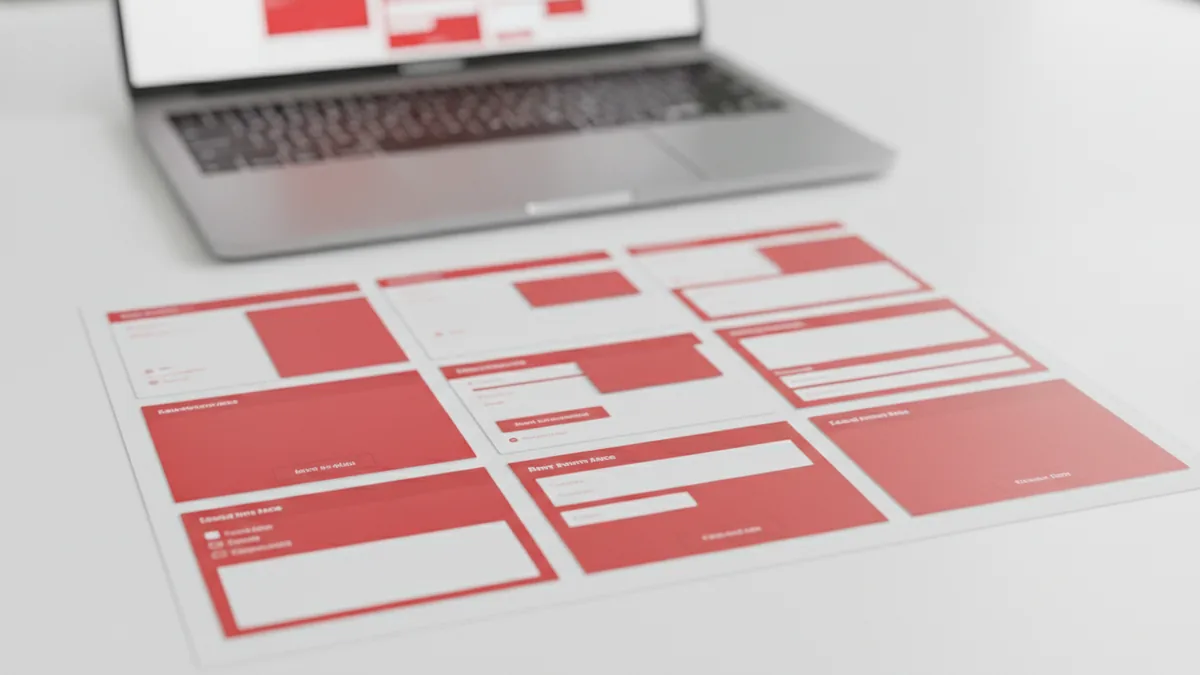
Web design starts with how people move through a site. Designers map key screens and decide what matters most on each page. They also define the user experience (UX) flow, like how someone navigates, reads, and takes action.
UI is the visible layer of that UX. It includes components such as nav menus, cards, forms, and alerts. A consistent UI helps users feel oriented, even when content changes.
Modern web design also needs responsive design. Designers plan how layouts shift from phones to tablets to desktops. They consider touch targets, readable type sizes, and how images scale.
- Information layout: page sections, reading order, and clear hierarchy
- Visual system: colors, type scales, spacing rules, and UI components
- UX flows: user journeys, page goals, and friction checks
- Responsive layouts: breakpoints, mobile first structure, and scaling
Core pieces of web development
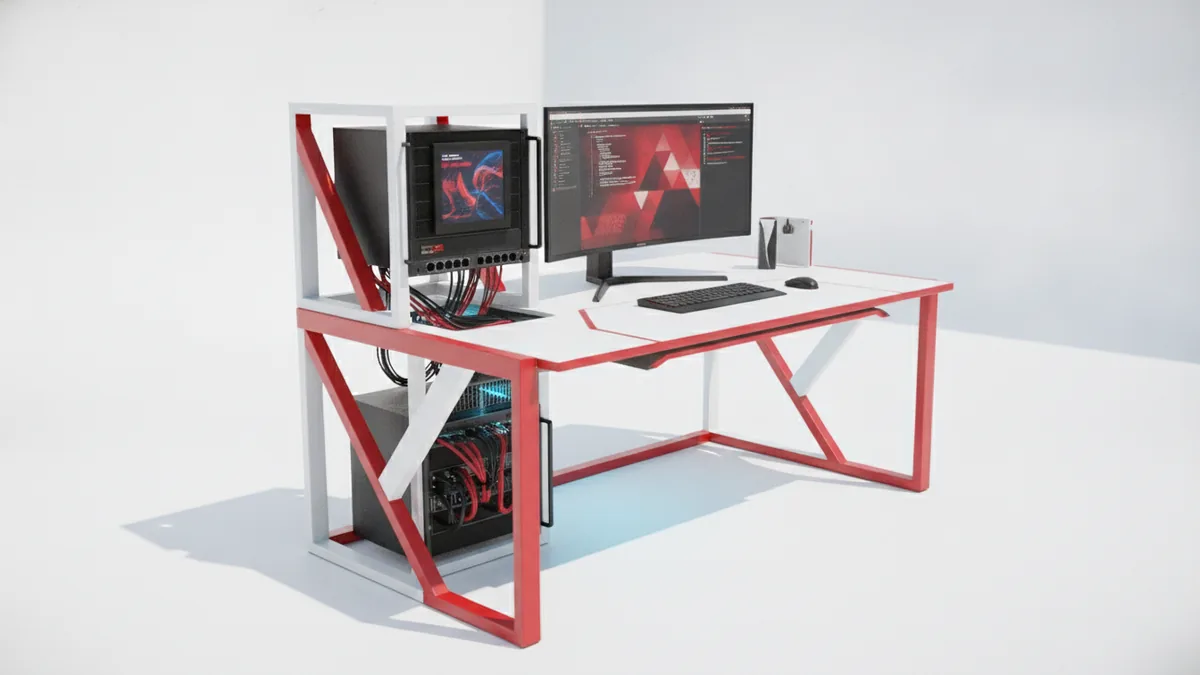
Web development turns design into a live website with real behavior. Front-end development builds what users can see and interact with. Back-end development handles server-side work like logic, data, and integrations.
For front-end development, common coding languages include HTML, CSS, and JavaScript. HTML sets structure. CSS handles visuals and layout rules. JavaScript adds interactivity, like form validation and dynamic content.
For back-end development, examples of coding languages include Python, Ruby, and PHP. Back-end code often supports logins, payment steps, and database reads. It also helps enforce rules like permissions and input checks.
Many teams also use a CMS for content. A content management systems (CMS) makes it easier to publish pages without editing code. But the site still needs a design and code layer that matches the CMS output.
| Layer | Main job | Typical examples |
|---|---|---|
| Front-end development | UI behavior and page rendering | HTML, CSS, JavaScript |
| Back-end development | Server logic and data work | Python, Ruby, PHP |
| Shared work | Performance and SEO basics | Fast pages, clean markup |
The design and development process, from idea to launch
The best process keeps design and development close. It usually starts with discovery and goals. Teams define who the site serves, what actions matter, and what success looks like.
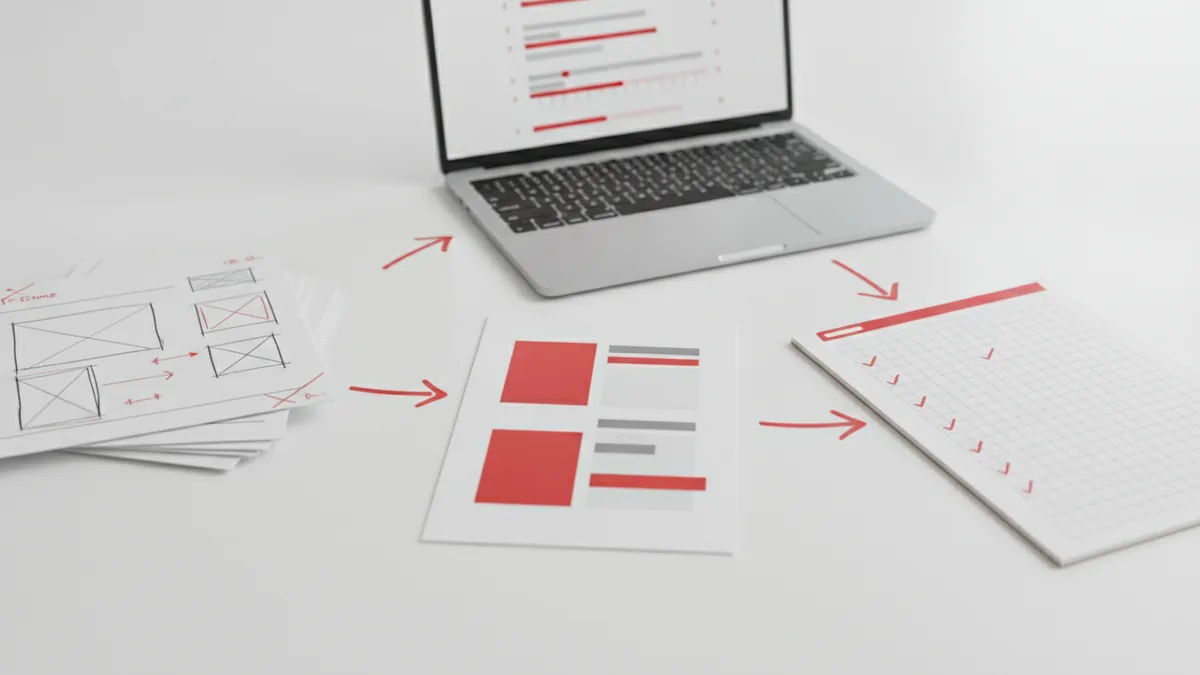
Next comes design work. Designers create wireframes, then visual mockups. They define component styles, like buttons and forms, so developers can build the same system. At this stage, designers also test clarity with quick reviews or small user tests.
Then development begins. Developers set up the project and build the front-end structure. They also plan the back-end routes, data models, and any CMS setup. As screens are built, they check responsiveness and accessibility patterns.
Finally, the team tests and launches. They verify speed, broken links, form flows, and browser behavior. They also check SEO (search engine optimization) basics, like title structure, crawlable pages, and clean URLs. After launch, updates continue based on real feedback.
- Discovery: goals, audience, content needs, and success metrics
- Planning: site map, key screens, and UX journeys
- Design: wireframes, visual UI system, responsive layouts
- Build: front-end and back-end development, CMS setup if needed
- Test: QA across devices and browsers, then SEO checks
- Launch: deploy and monitor, then improve with findings
Best practices that keep both teams aligned
One of the biggest issues is mismatched expectations. Designers may assume exact spacing will carry through. Developers may need different rules for performance or accessibility. To avoid this, keep design decisions tied to measurable outcomes.
A practical approach is to create design tokens. Tokens cover colors, type sizes, spacing steps, and component states. When developers use the same rules, UI stays consistent and build time drops.
Another best practice is to test early for responsive design. Don’t wait until the end. Review key breakpoints during layout and again during component build.
SEO (search engine optimization) should be a shared concern. Design can help by keeping pages scannable with clear headings. Development can help by using clean markup and fast-loading pages. Together, you improve both visibility and user satisfaction.
- Share component specs early: define states like hover, focus, and error
- Plan responsive rules: choose breakpoints and test on real devices
- Build for performance: minimize heavy assets and avoid layout shifts
- Keep SEO in the workflow: structure headings and ensure crawlable pages
Why web design and development is important for real results
Why web design and development is important is simple: websites must both look good and work well. If the design is unclear, people bounce. If the development is slow or buggy, users lose trust. The cost of fixing problems after launch is usually much higher.
Strong UX and UI support conversion. A well-designed layout guides attention to key calls to action. Responsive design helps users work the same way on phones, tablets, and desktops. That consistency reduces drop-off during decision steps.
Development also affects SEO (search engine optimization). Search engines reward pages that load quickly and render cleanly. Clean structure helps crawlers understand the page. That’s why technical choices, like how pages are built and how content loads, matter for visibility.
When design and development collaborate, teams ship faster and with fewer surprises. Designers understand what is feasible in code. Developers understand what the business needs the user to do. The result is a site that feels intentional from the first scroll to the final action.
If you want a simple mental model, use this: design decides what users will feel, and development decides how the site behaves. Together they create a web experience that earns clicks and keeps users engaged.
Frequently asked questions
- What is web design and development?
- Web design is the planning and visual experience of a website. Web development is the coding that makes it live and functional.
- What is the main difference between design and development?
- Design is about how the site looks and feels. Development is about how it works, including logic, data, and interactivity.
- What do front-end development and back-end development do?
- Front-end development builds what users interact with. Back-end development runs server-side logic and manages data.
- Which coding languages are used in web development?
- Front-end work commonly uses HTML, CSS, and JavaScript. Back-end work often uses Python, Ruby, or PHP.
- Why is responsive design important?
- Responsive design helps the site work well on phones, tablets, and desktops. It improves usability and keeps layouts readable.
- How does SEO fit into web design and development?
- SEO needs clean structure and fast pages. Design supports scannable content, and development supports crawlable, quick rendering.
Related reading

How to Design Your Website Using WordPress
Plan, build, publish, and maintain a WordPress site with confidence.
How Do I Hide My WordPress Site From Public View?
Lock your whole site or limit access to selected WordPress content.
Why You Can’t Add Plugins in WordPress
Fix plugin errors, install tools, and keep your WordPress site tidy.