What Is Web Design and Development? Key Differences, Process, and Why
Learn what web design and development are, how they differ, how the process works, and why web design and development is important for modern sites.

Introduction to web design and development
What is web design and development? It is how teams plan a site’s look and build it to work.
Design focuses on how it feels and looks. It shapes layout, colors, and user experience (UX).
Development focuses on code and working parts. It turns design into real pages that load and respond.
You can see it as two linked steps. One step guides what to show. The other makes it work.
How to web design and development often means using a shared plan. Designers set rules and flows. Developers follow and build.
Both sides must sync early. Late mismatch causes rework and delays.
Differences between design and development
Design is about choices users see and feel. It decides what users notice first and what they click next.
Development is about building the site for use. It handles links, forms, and data actions in a browser.
Front-end development builds what users touch. It runs in the browser and shows pages.
Back-end development runs on servers. It handles logic, databases, and secure checks.
Roles often blend on small teams. Yet clear split helps teams find bugs sooner.
Small teams can still work smart. Clear scopes keep work on track.
- Design: layout, color, and user interface (UI) details for clear screens
- Development: coding, speed work, and fixed features that behave right
- Front end: page views and clicks that users trigger
- Back end: server work and data storage that support the app
Key components of web design
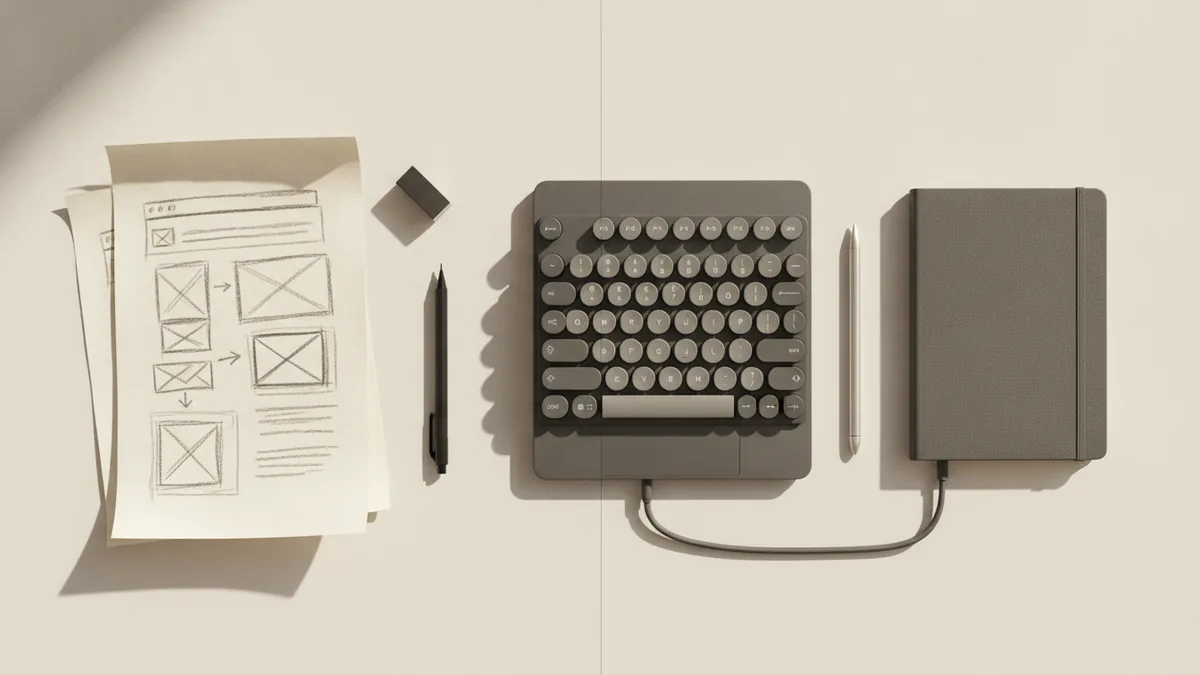
Web design starts with structure. Designers sort pages and plan how users move between them.
Next comes visual style. Designers set type sizes, spacing, and a color set that stays readable.
User experience (UX) design maps journeys. It guides a user from first view to a key goal.
User interface (UI) design makes it real on screen. It covers button styles, form layouts, and input states.
Great design reduces “where do I go?” moments. That matters on every page.
Good pages feel simple. The work is in the details.
Responsive design across devices
Modern sites must work on phones and desktops. Responsive design adapts the layout for screen size.
Designers plan breakpoints before coding. They check how items stack on narrow screens.
They also test touch use. Buttons need space so thumbs can tap without errors.
Accessibility also fits here. Designers plan contrast and clear focus for keyboard users.
This keeps the site usable for more people. That improves trust.
| Design part | What it impacts | Simple example |
|---|---|---|
| Page structure | How users scan content | Clear headings and short sections |
| Type and color | How fast people can read | Strong contrast on main text |
| UX flows | Clicks and signups | One clear path to checkout |
| UI states | How users feel in control | Errors show where to fix input |
Key components of web development
Web development turns the design into working code. It covers the front end, the back end, and the links between them.
Front-end work often uses HTML, CSS, and JavaScript. HTML builds the page. CSS styles it.
JavaScript adds behavior. It can check forms and update sections after clicks.
Back-end work often uses Python, Ruby, or PHP. Python is common for data and web apps.
Ruby and PHP also power server logic. They help handle requests and run business rules.
Many sites use a content management system (CMS). It helps teams update pages without deep code edits.
Pick the right tool early. It shapes how fast you ship.
How coding languages map to tasks
Front-end code focuses on the browser view. It handles clicks, menus, and page layout.
Back-end code focuses on data and rules. It handles logins and tracks payments when needed.
Then both sides meet through APIs. APIs send and receive data safely between systems.
When teams merge roles, they still keep the split in mind. Each layer has different jobs.
That mindset prevents “works on my machine” pain.
- Front end: HTML for structure, CSS for style, JavaScript for clicks
- Back end: Python, Ruby, or PHP for server rules and data actions
- Data: storage systems that save site content and user info
- APIs: connections that pass data between front and back ends
SEO belongs in both design and build
SEO (search engine optimization) is key for visibility. It helps your pages show up for real search terms.
Developers affect SEO with fast pages and clean markup. They also set title tags and page links right.
Design affects SEO through reading ease and flow. If users cannot find value, they leave fast.
So SEO is not just content. It is also code quality and page clarity.
Build it well, and search gets easier. Users feel the benefit too.
The web design and development process
A solid process cuts surprises. It also keeps teams aligned on goals and scope.
Most projects follow discovery, plans, design, build, test, then launch. Each step produces input for the next.
Designers and developers should share feedback often. Early checks prevent costly changes in the final sprint.
Here is a practical flow you can adapt.
Think of it as a loop. Each pass improves the end result.
- Discovery and goals: list needs, audience, and success targets
- Info map: plan page types and navigation paths
- Wireframes and UX: sketch layouts and user steps
- UI design: pick fonts, colors, and reusable components
- Dev setup: choose tools and environments for safe builds
- Front-end build: code screens, states, and responsive rules
- Back-end build: set APIs, data links, and login logic
- Test and SEO checks: test browsers and verify key page tags
- Launch and learn: ship, watch issues, then fix and improve
Teams often add review gates. Designers check key screens. Developers confirm build cost and limits.
Defining “done” for each phase helps. It keeps both sides from guessing.
It also reduces late changes that break timelines.
Best practices for effective design and development
Best work comes from clear work modes and fast feedback. Treat design and development as one system.
Use shared terms for UI parts. Name menus, buttons, and error messages the same way.
Build a design system. It standardizes spacing, type, and component rules across pages.
Then implement those parts in code as reusable blocks. That cuts bugs and speeds new pages.
Small wins add up. Consistency lowers risk.
Ways to collaborate well
- Review early: approve key screens before full build work starts
- Define states: include hover, focus, loading, and error views
- Test on real devices: validate tap targets and layout at common sizes
- Watch speed: find the slow parts and fix them first
- Plan SEO in build: align URLs, metadata, and page structure from day one
Common edge cases to test
Sites fail when content changes. Long titles can push buttons off layout.
Missing images can break spacing. Empty states should look intentional.
Form inputs can be messy. Users type fast, paste text, and leave blank fields.
Test those cases during development. Then adjust design tokens if needed.
This reduces “redesign time” later. It saves your team weeks.
The importance of web design and development
Why web design and development is important? Because users judge your brand fast.
Good design builds trust. Clear pages help users feel safe and in control.
Good development protects that trust. Pages load fast, forms submit right, and errors guide users.
Together they shape SEO. Search needs both technical setup and good user behavior.
Modern sites must be responsive. That keeps UX steady on every screen.
When both sides work well, updates get cheaper. Maintenance becomes smoother over time.
When they do not, projects drift. Teams rewrite code to match late design changes.
That is why collaboration is not optional. It is the path to a stable launch.
FAQ
- What is web design and development in simple terms?
- Web design shapes layout, colors, and UX. Web development builds the live site with code and working features.
- What is the difference between front-end and back-end development?
- Front-end development builds what users see and click. Back-end development handles server logic and databases.
- How to web design and development without mixing responsibilities?
- Use clear component handoffs and shared UI states. Review early so the build matches the design intent.
- Why is responsive design important for web design and development?
- Users browse on many screen sizes. Responsive design keeps the site easy to use on phones, tablets, and desktops.
- Does SEO depend only on content?
- No. SEO also depends on code speed and page structure. Design helps too with clear reading and user flow.
- Which coding languages are commonly used for web development?
- Front-end often uses HTML, CSS, and JavaScript. Back-end often uses Python, Ruby, or PHP.